Before You Start
- Sign in to your BettorEdge account before starting the setup flow.
- Know which tournament bracket you want to use and how you want the payout structure configured.
BettorEdge Community Guide • Desktop Web Guide
Create a new BettorEdge bracket challenge, choose the tournament and payout structure, and open the invite flow to share it with participants.
You will create a new bracket challenge and reach the invite flow so the competition is ready to share.
https://play.bettoredge.com/markets
From the main navigation, click Competitions.
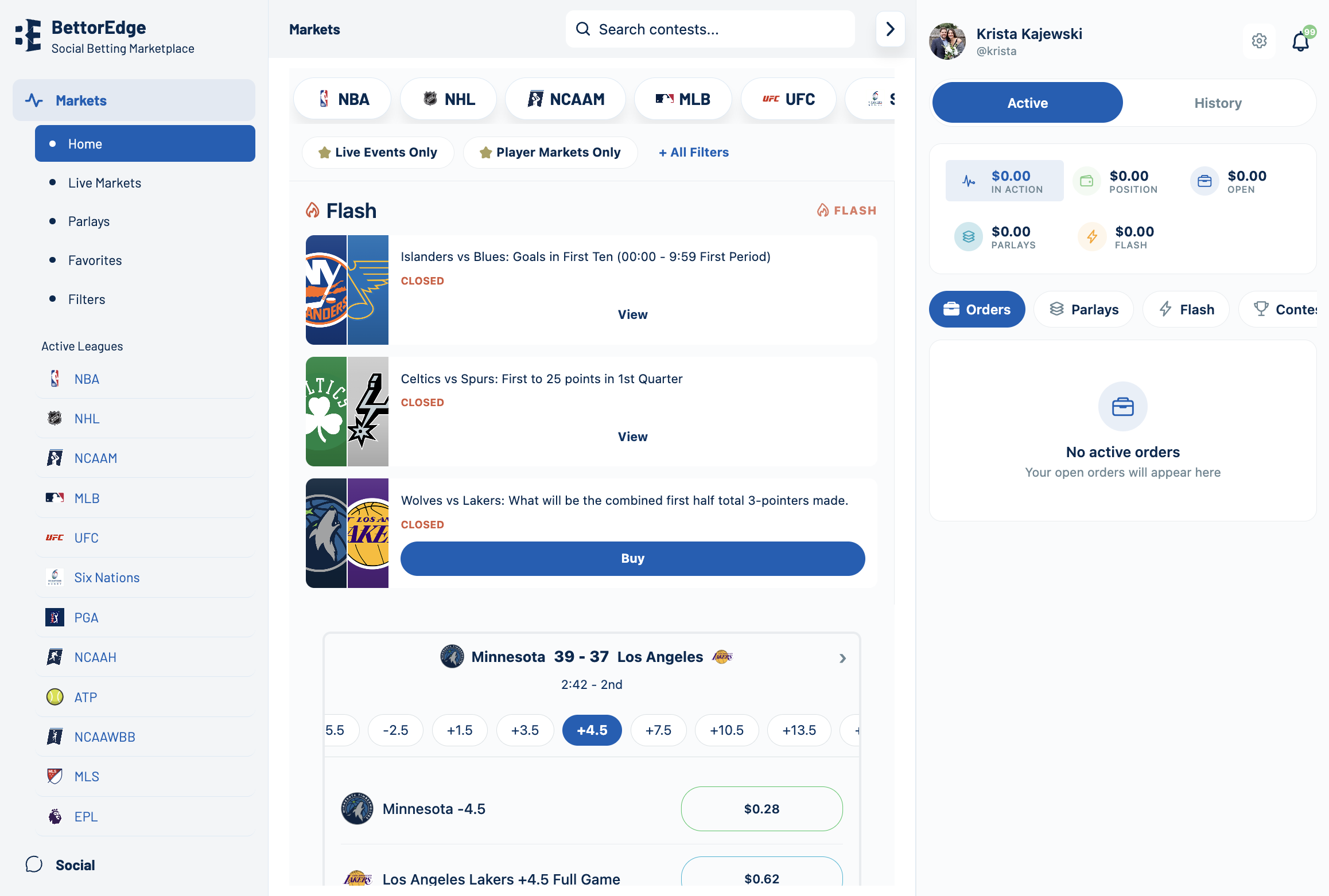
https://play.bettoredge.com/competitions
On the Competitions page, click Manage.
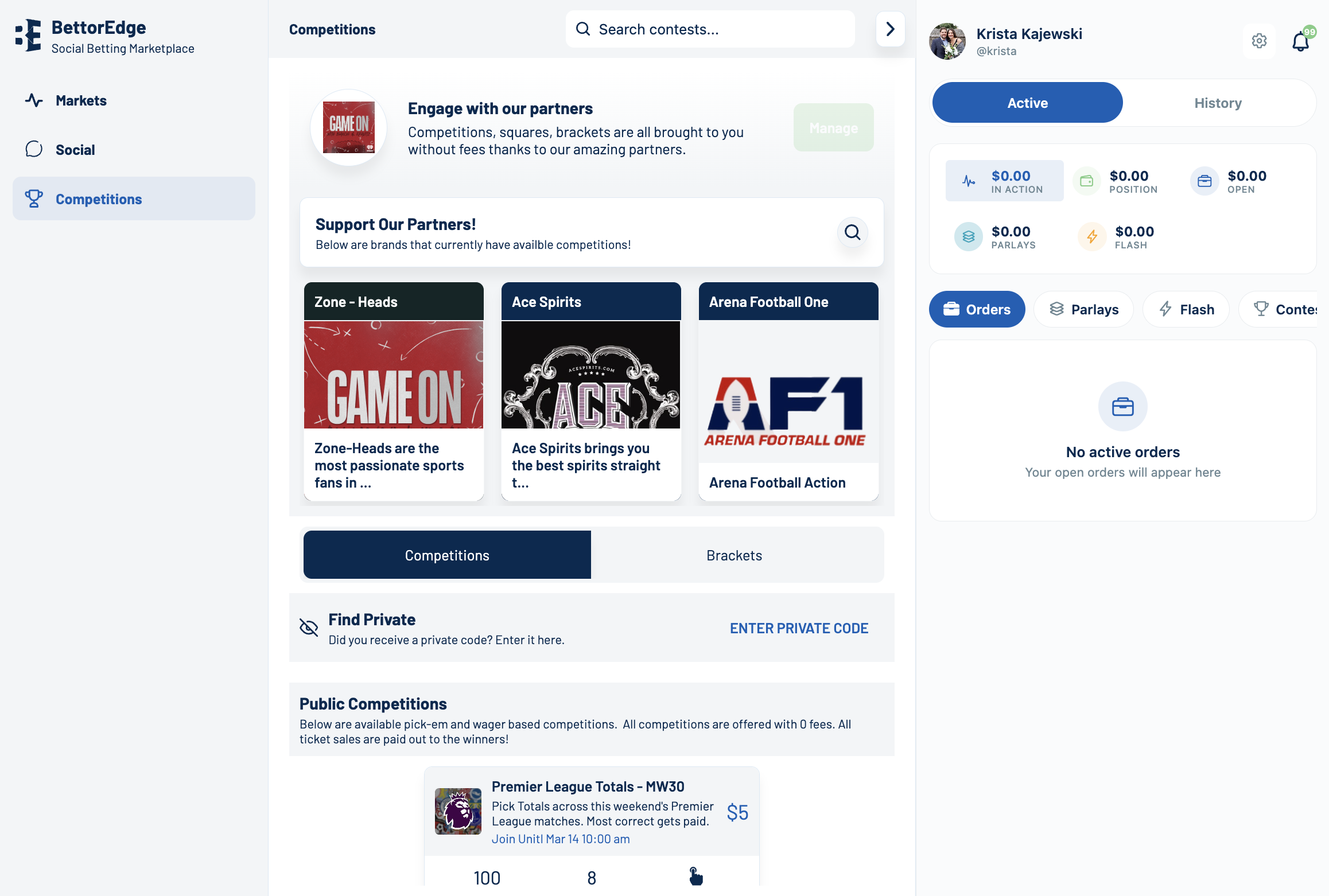
https://play.bettoredge.com/competitions
Click Create New Competition, then click Get Started to begin setup.
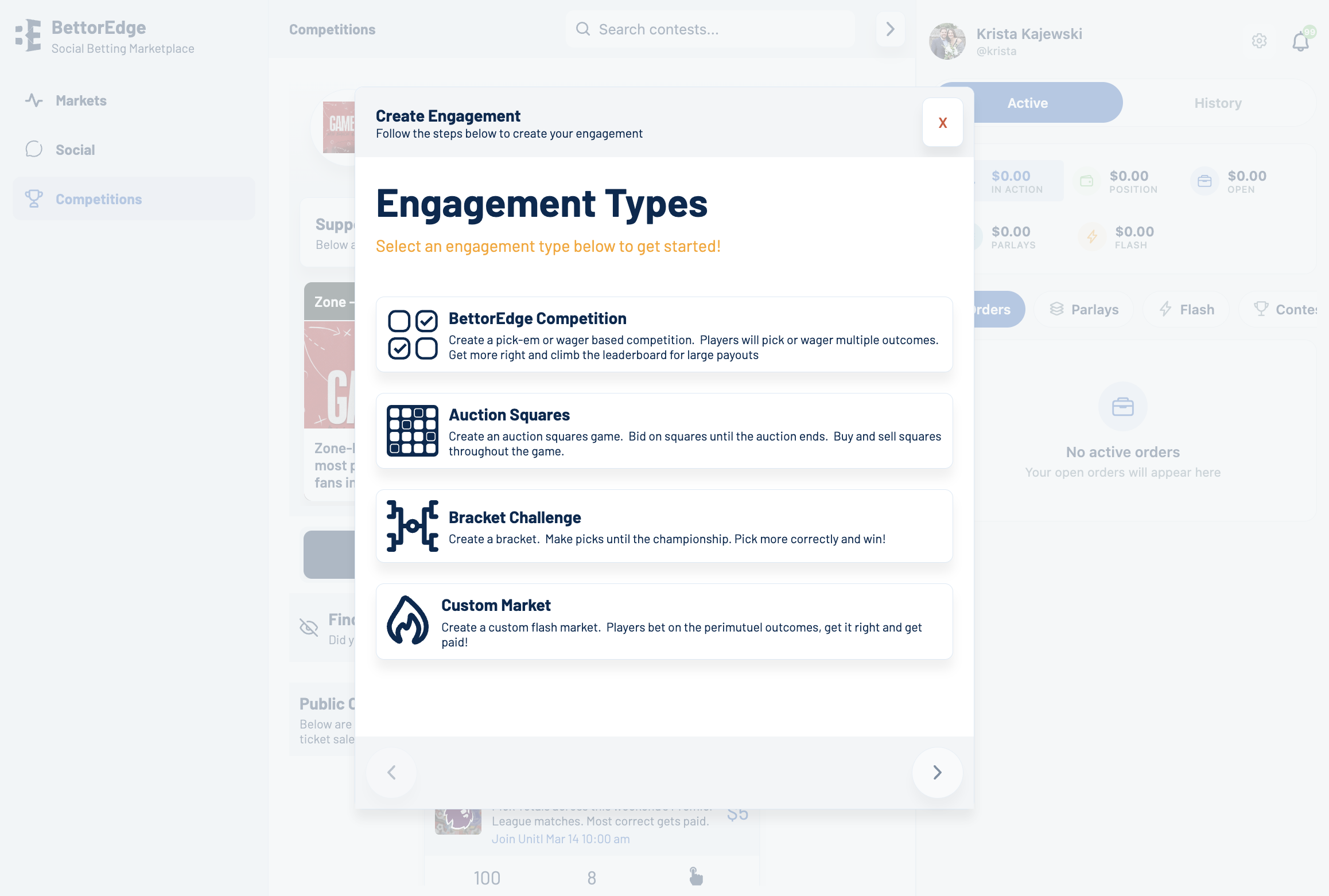
https://play.bettoredge.com/competitions
Select Bracket Challenge as the competition type.
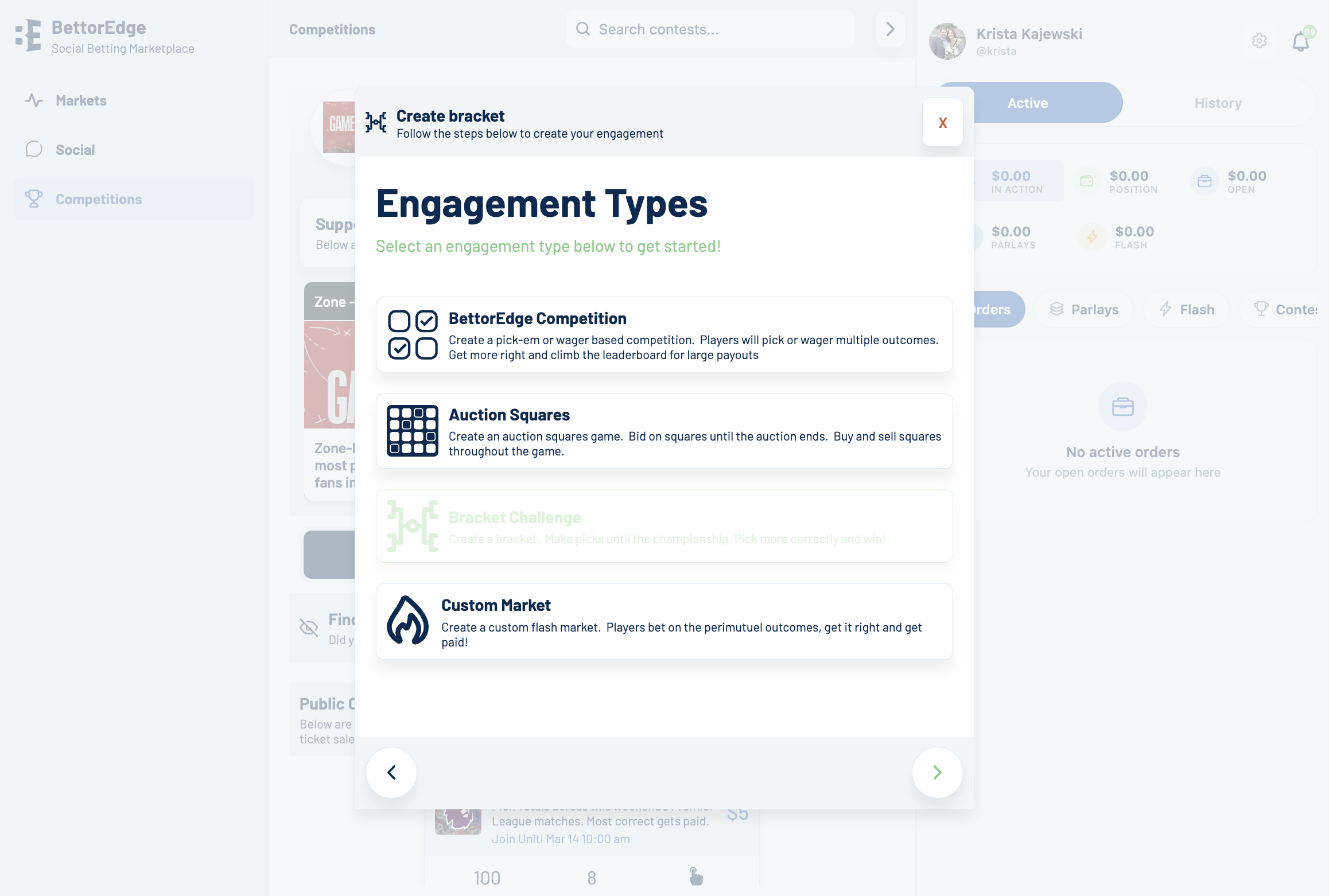
https://play.bettoredge.com/competitions
Type the name you want participants to see, such as March Madness Bracket Challenge.
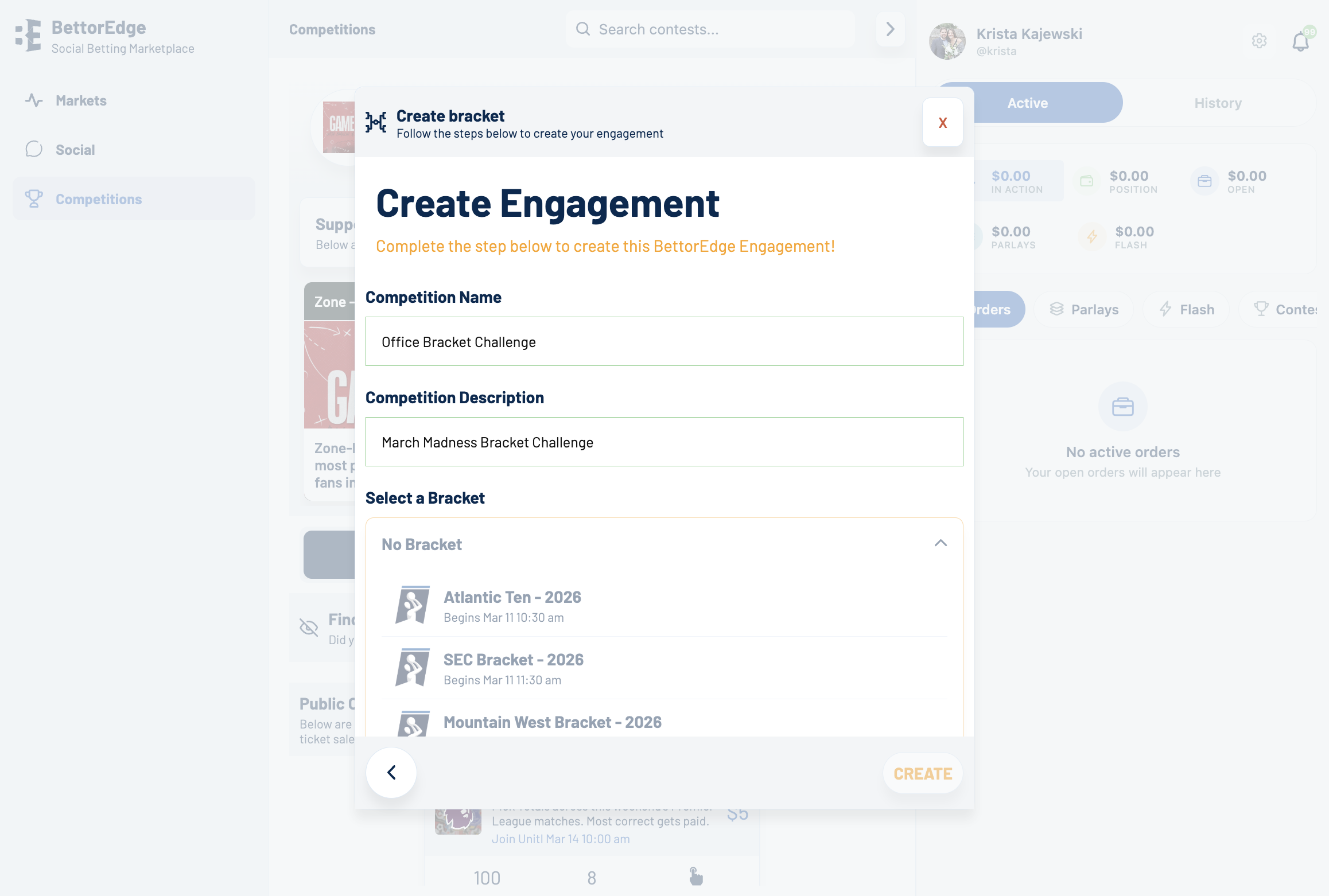
https://play.bettoredge.com/competitions
Click No Bracket, then choose the tournament bracket you want to use, such as Big East Tournament - 2026.
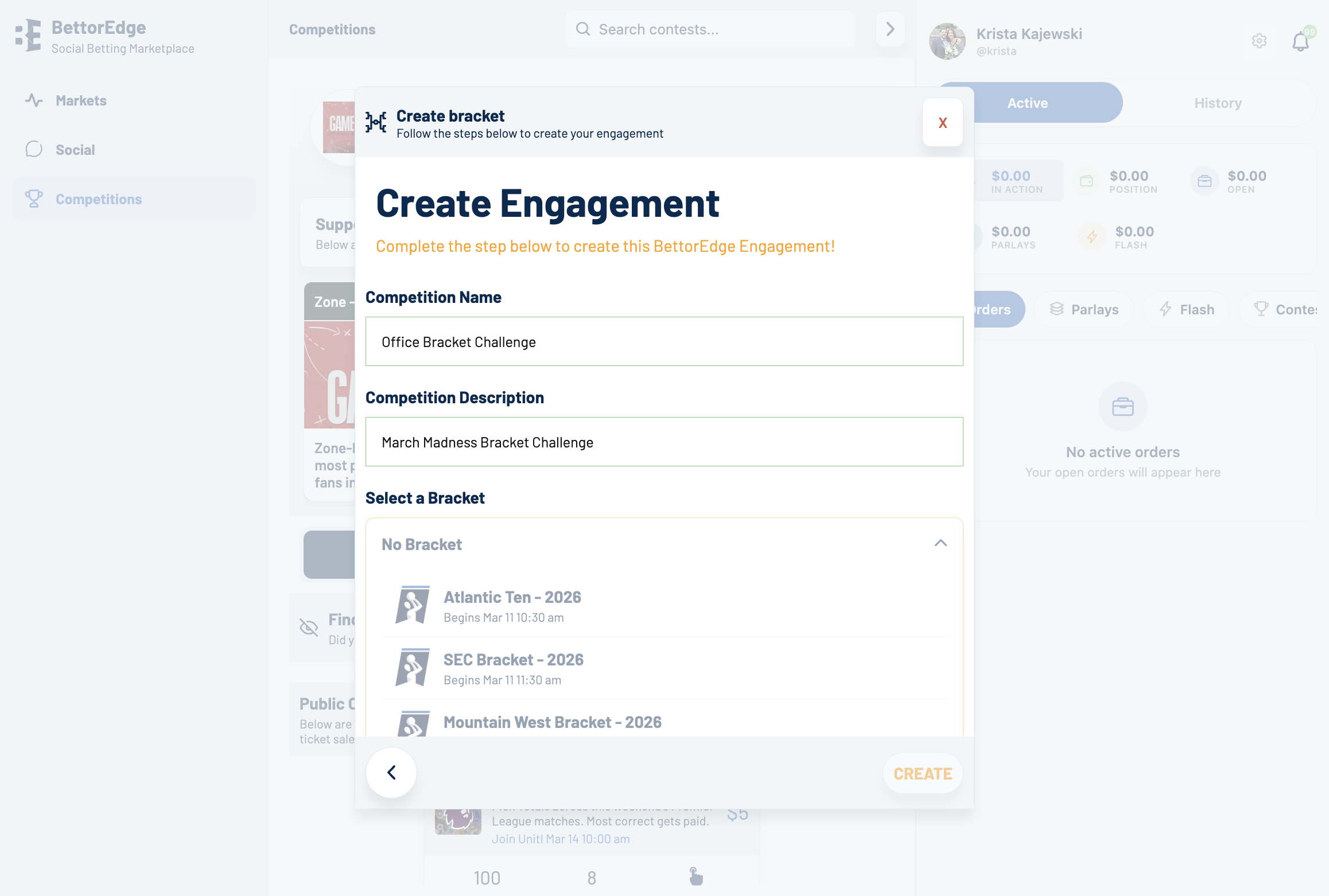
https://play.bettoredge.com/competitions
Click Select Payout, then choose the payout option you want, such as Top 10.
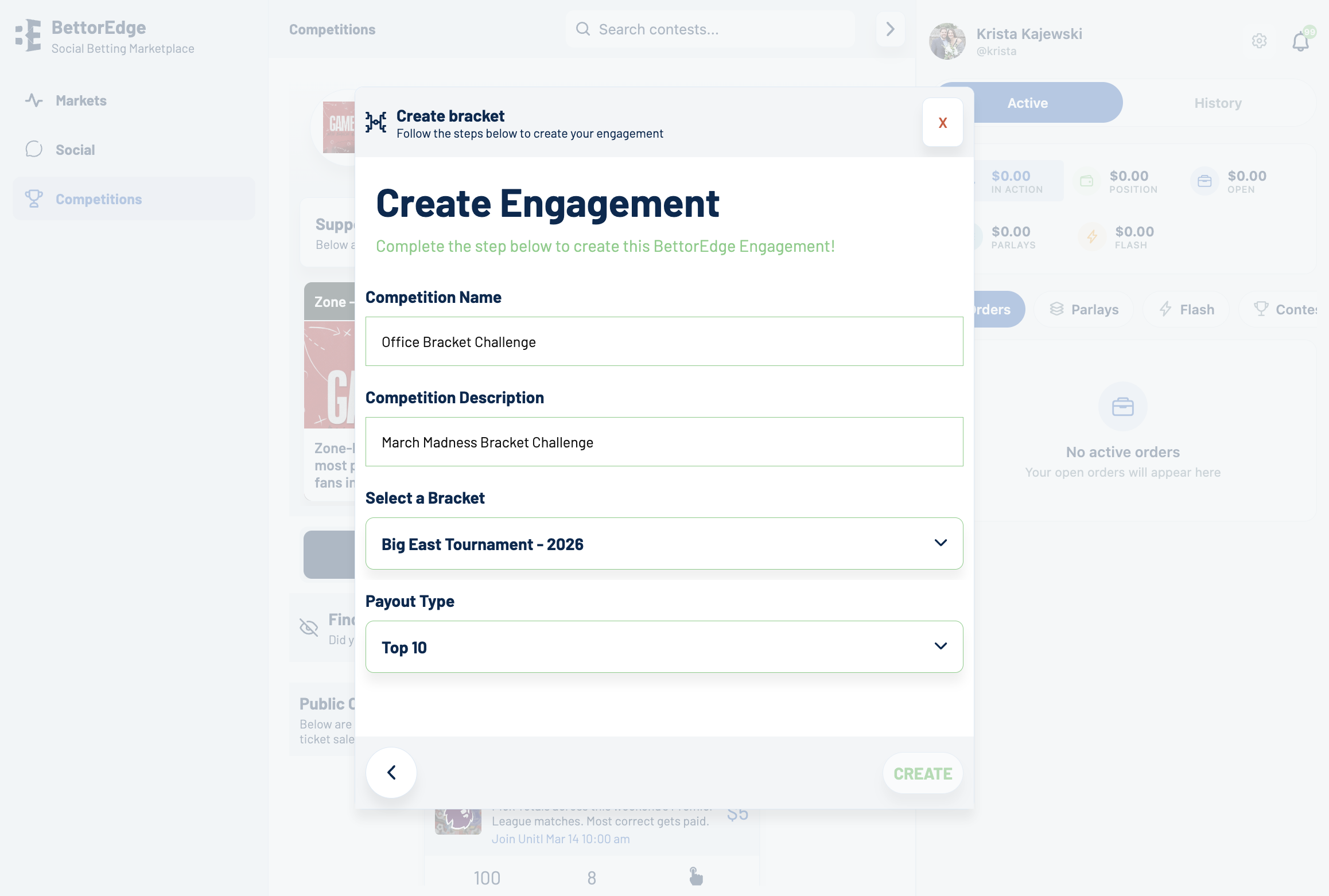
https://play.bettoredge.com/competitions
Review the setup details and click Create.
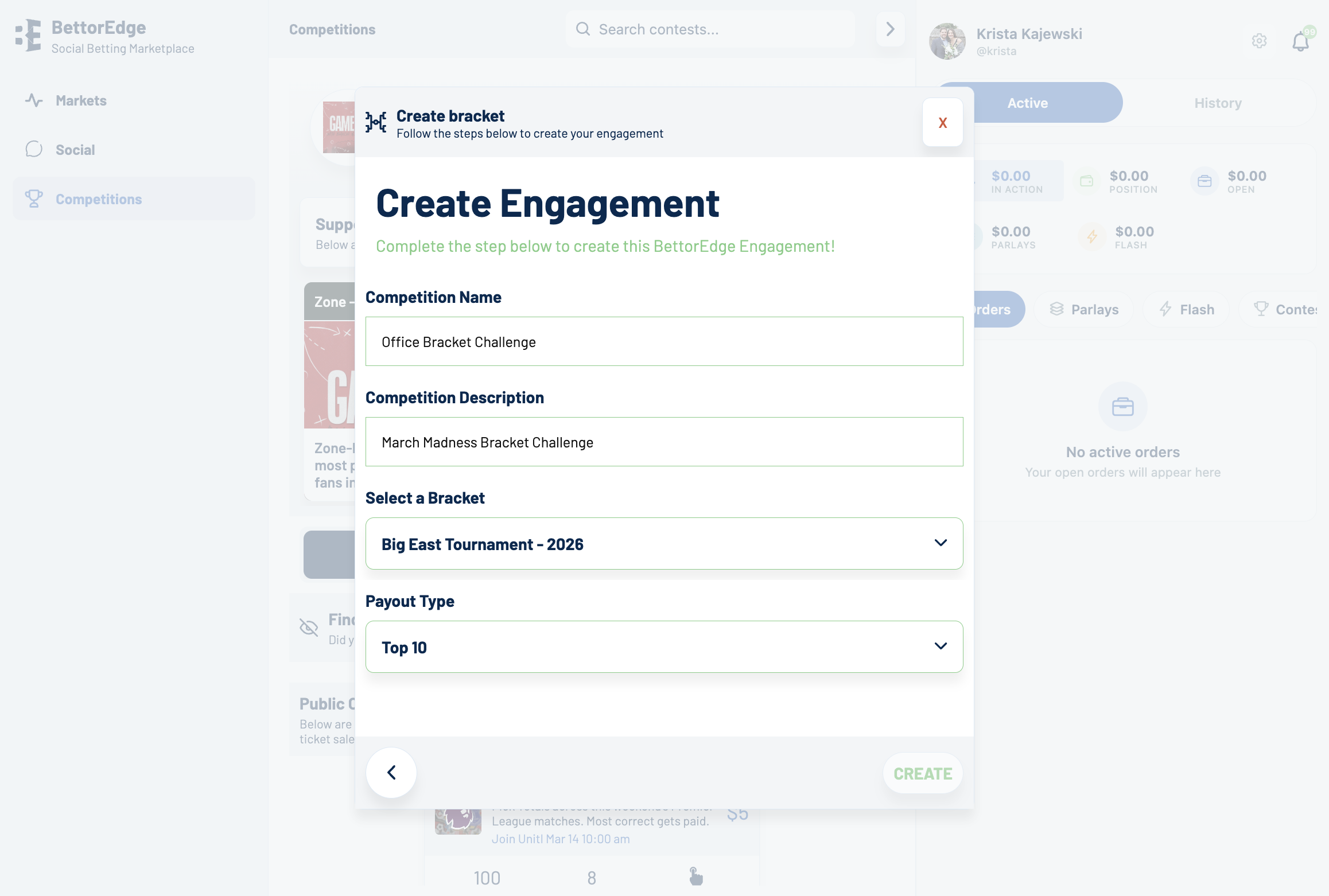
https://play.bettoredge.com/competitions/bracket/2659
After the competition is created, open the new competition page.
https://play.bettoredge.com/competitions/bracket/2659
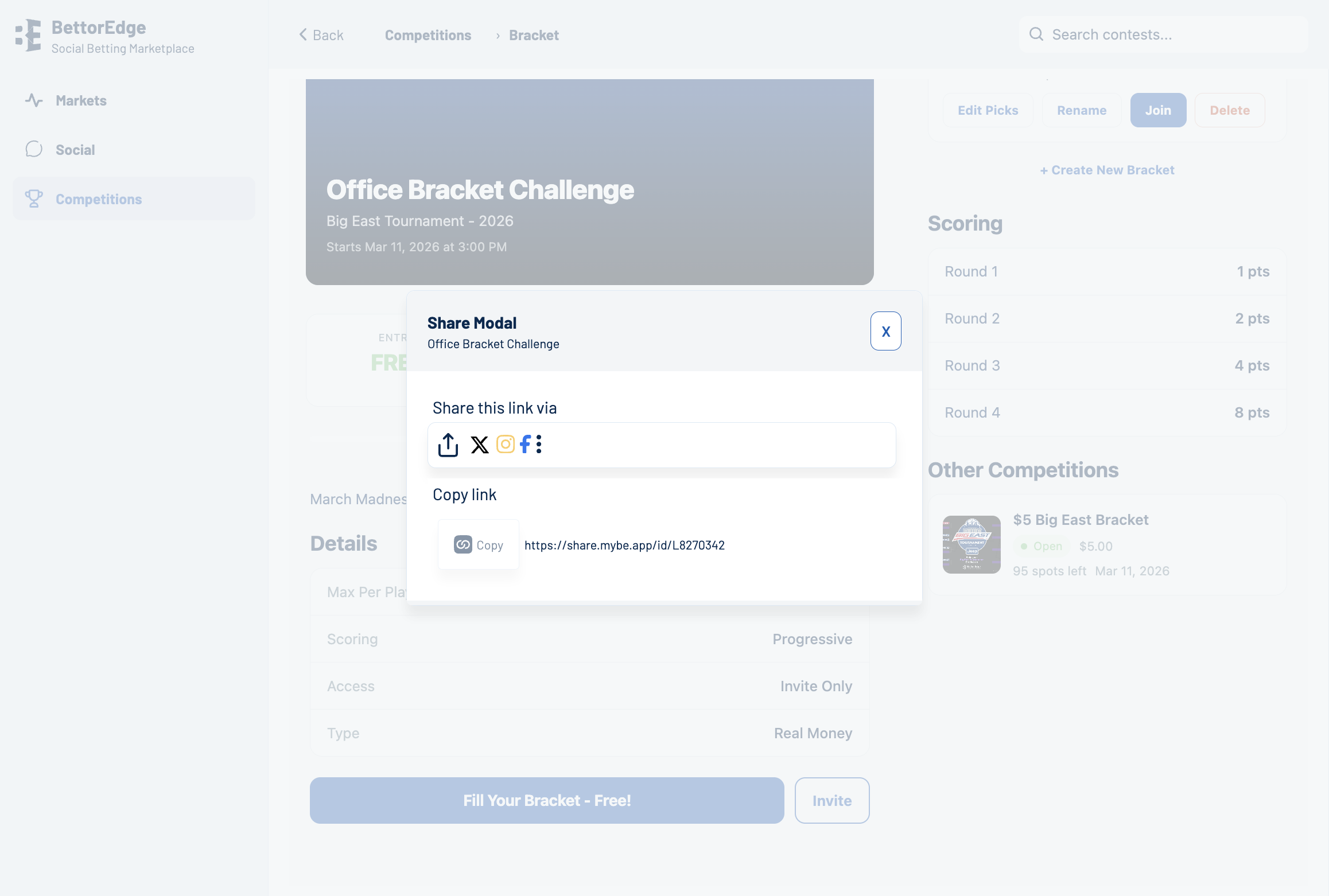
Click Invite to open the sharing flow for your new bracket challenge.
Community Guide
Step-by-step guide for How to Fill out a Bracket Challenge. Follow each screen to complete the workflow in BettorEdge.
Open guide →
Community Guide
Step-by-step guide for filling out your NextOp bracket on BettorEdge, joining the challenge, and supporting the fundraiser.
Open guide →