Before You Start
- Make sure you are signed in with the correct BettorEdge account.
- Keep one browser tab open for the full walkthrough.
BettorEdge Community Guide • Desktop Web Guide
Step-by-step guide for filling out your NextOp bracket on BettorEdge, joining the challenge, and supporting the fundraiser.
You should complete your NextOp bracket in a few minutes, join the challenge, and have the donation page ready if you want to support the cause.
https://play.bettoredge.com/competitions
Open the Bracket Challenge page.
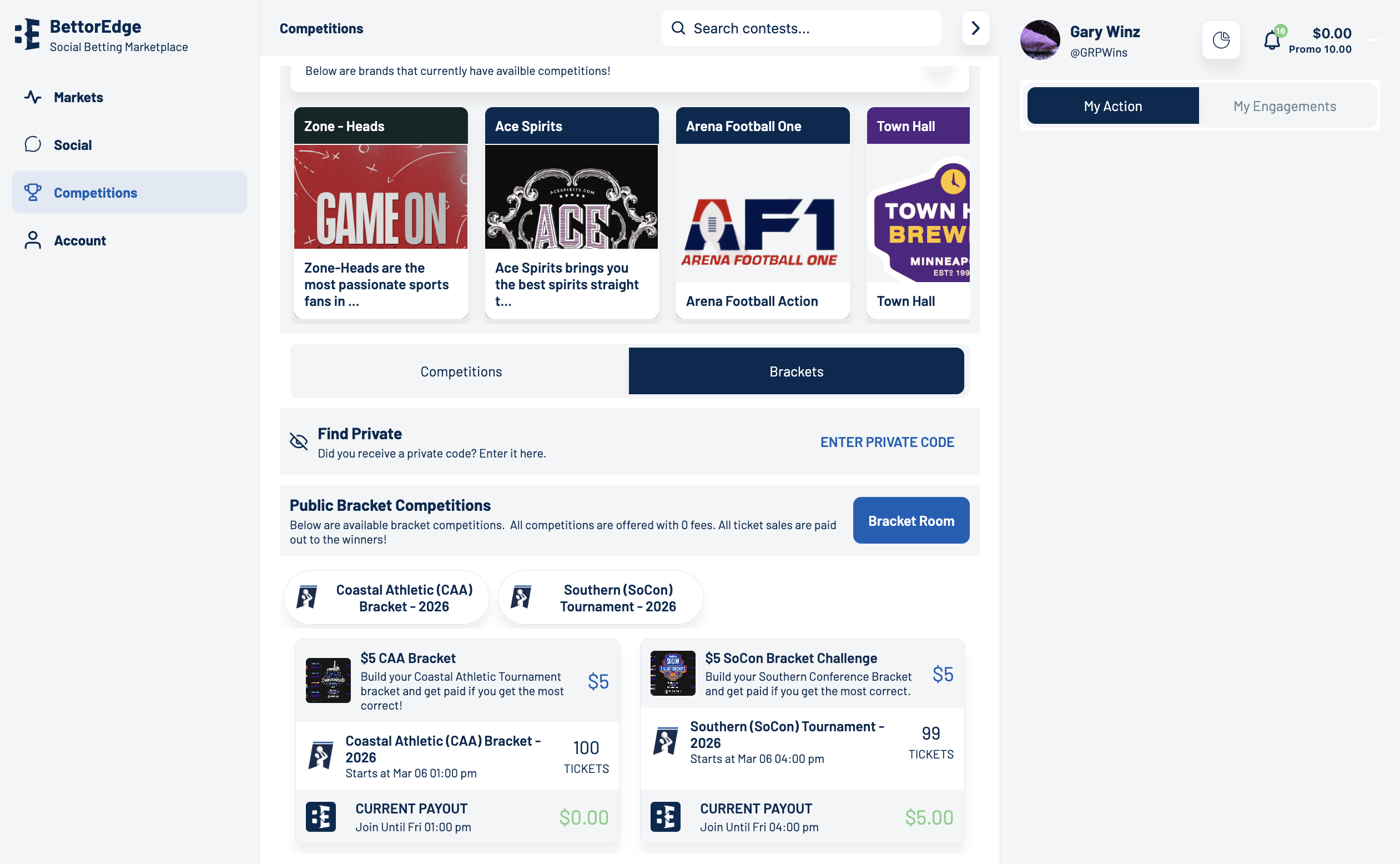
https://play.bettoredge.com/competitions
Click on the Desired Bracket Competition.
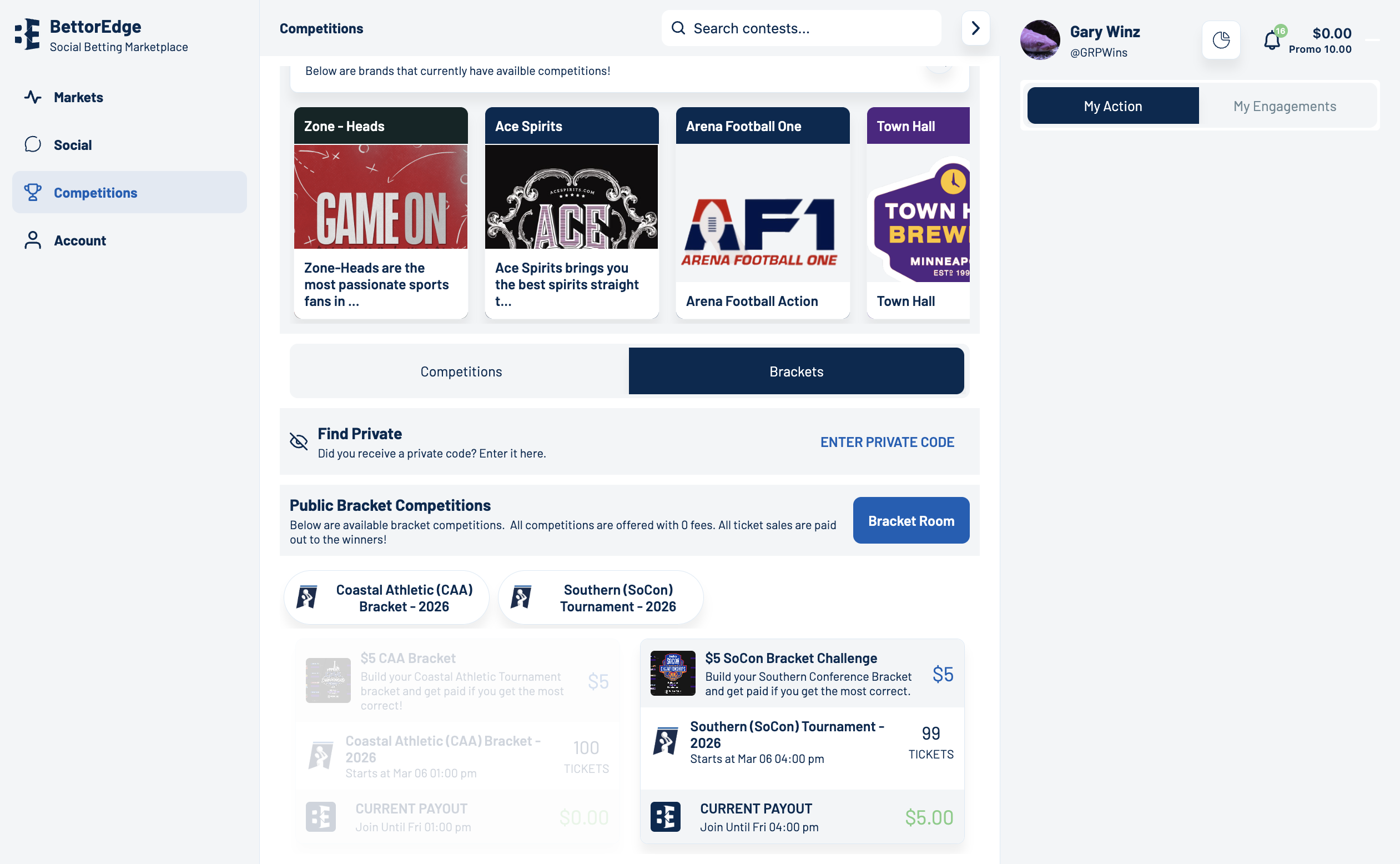
https://play.bettoredge.com/competitions/bracket/2129
Click on the bracket selected you want to see win.
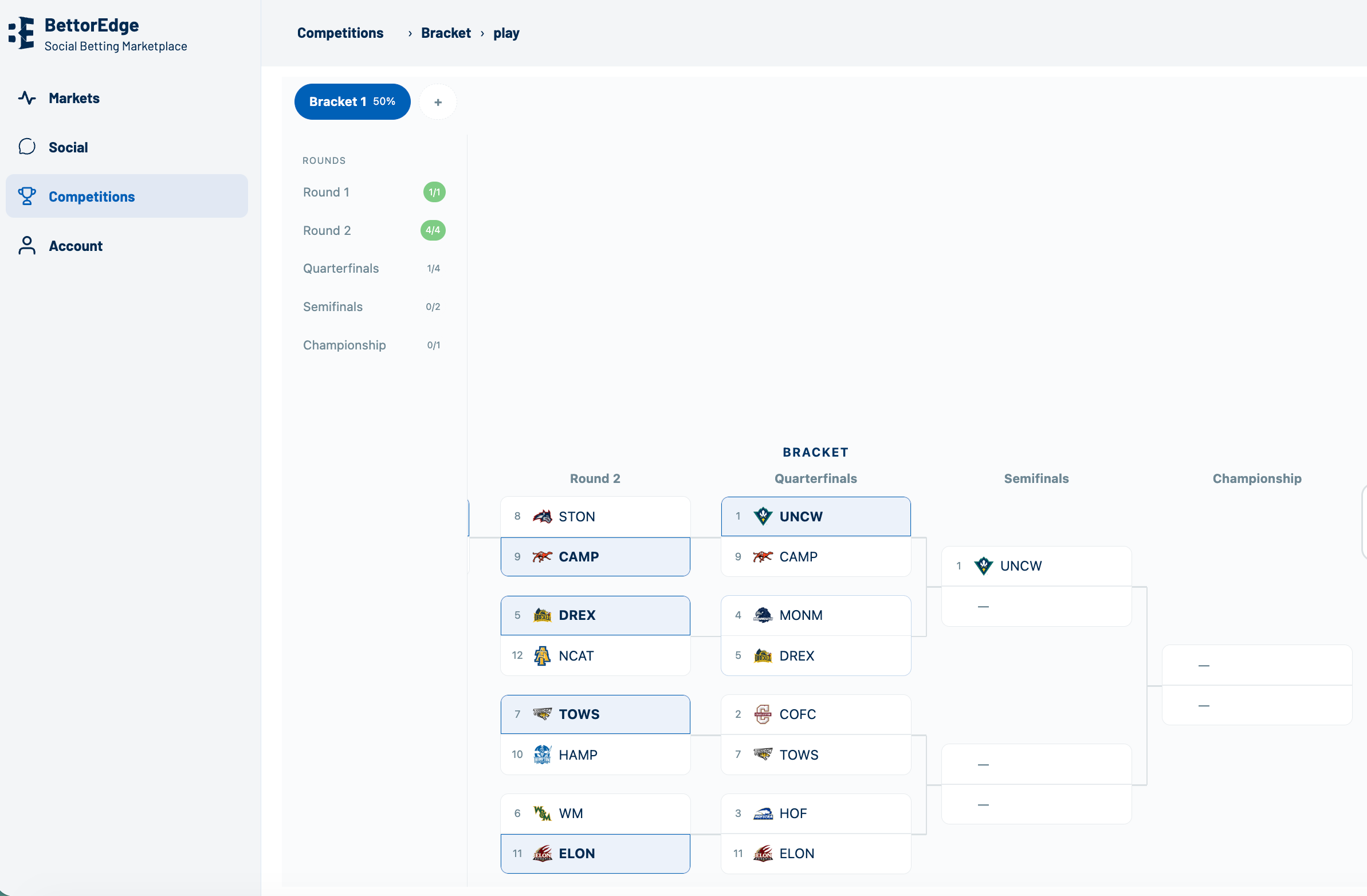
https://play.bettoredge.com/competitions/bracket/2129
Click Join to join the competition (enter funds as needed).
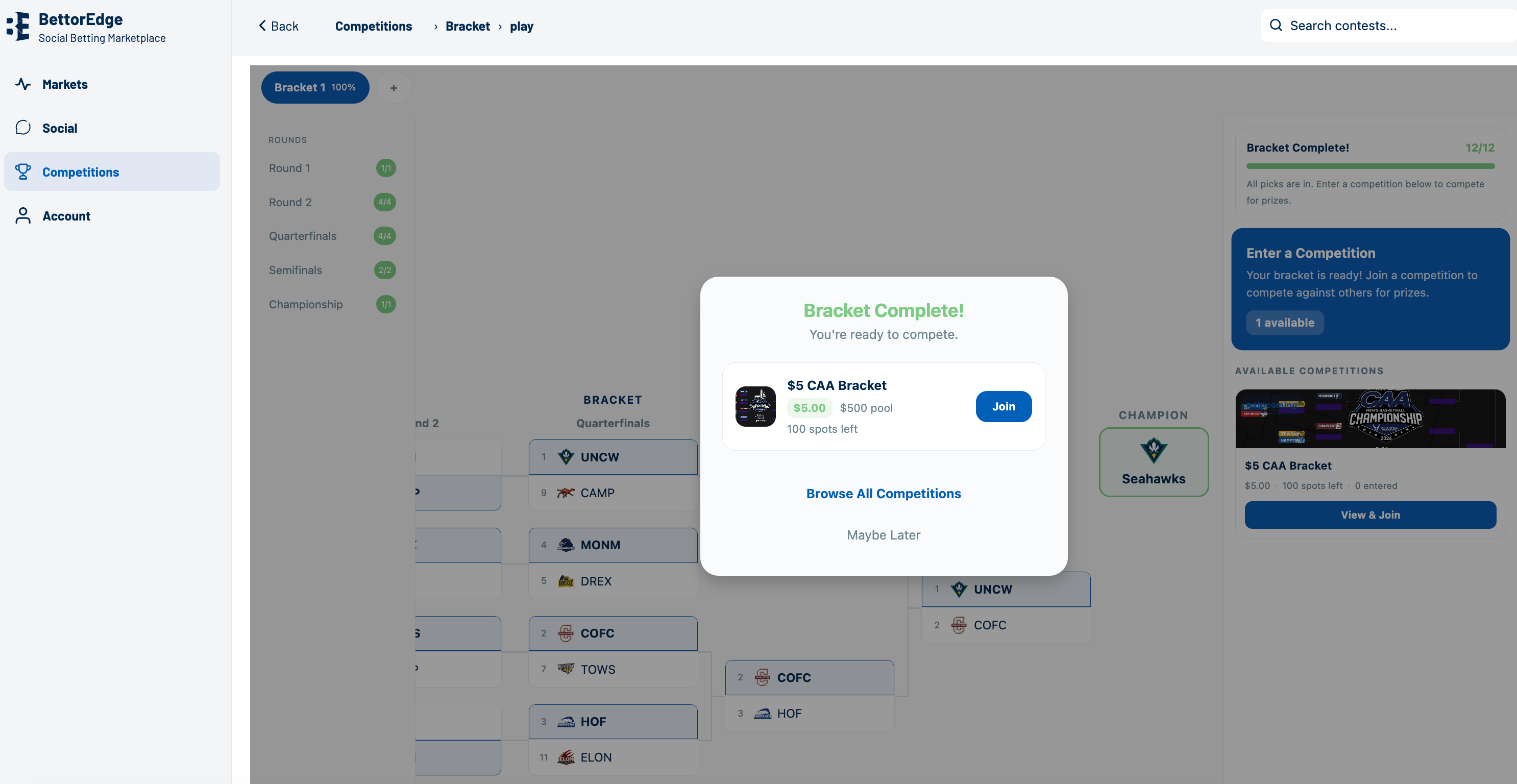
https://donorbox.org/nextopcharitybracketchallenge
Open the NextOp donation page and contribute if you want to support the fundraiser after completing your bracket.
Community Guide
Step-by-step guide for How to Fill out a Bracket Challenge. Follow each screen to complete the workflow in BettorEdge.
Open guide →
Community Guide
Create a new BettorEdge bracket challenge, choose the tournament and payout structure, and open the invite flow to share it with participants.
Open guide →